Screenshots

Screenshots of Foto-Mosaik-Edda using Windows 7 to create a photo mosaic picture (above) and managing the database (below). Click on the pictures to enlarge them.

Creating a Mosaic

Wizard start page with the functions database, create mosaic picture and settings
Welcome page

Choice between classic mosaic, parquet pattern and chaos style, each with an example graphic
Selection of the mosaic type

Theme photo of a dog opened, below it the output format and save location of the mosaic
Theme selection

List of picture databases with the number of entries, selectable via checkbox
Database selection

Paper size, resolution, number and shape of tiles with a grid preview of the dog photo
Setting mosaic parameters

Progress bar while searching for the best matching picture for each tile
Processing the photo mosaic picture

Final page with a preview of the finished mosaic plus zoom view and poster options
Processing finished

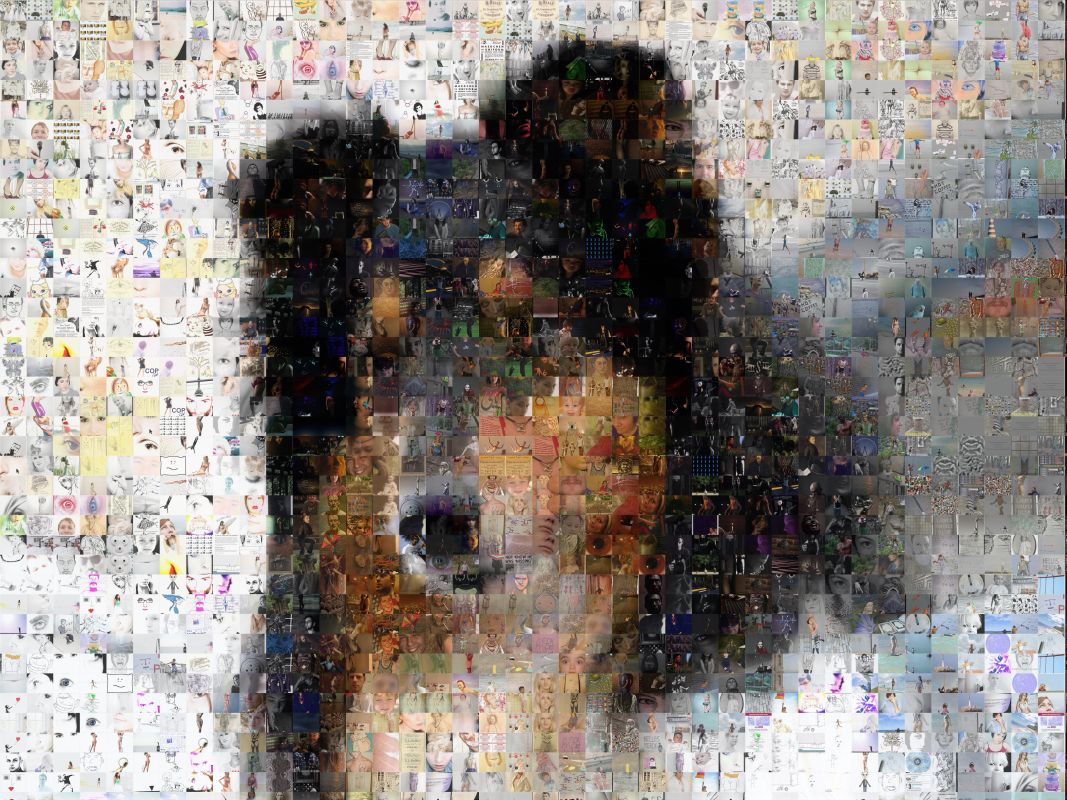
Finished photo mosaic of a dog made of thousands of small pictures
Result

Creating a Database / Editing

Choice: add pictures to a new or existing database, or edit a database
Managing databases

Folder selection, options and quality slider for the pictures in the database
Add photos to the database

Progress display while importing the photos, with a preview of the current picture
Photos are being added

List of database entries with metadata and a preview of the selected photo
Additional database work

Conosci già?

La nostra passione sono le foto e i prodotti stampati personalizzati. Scopri anche le nostre altre idee regalo creative:
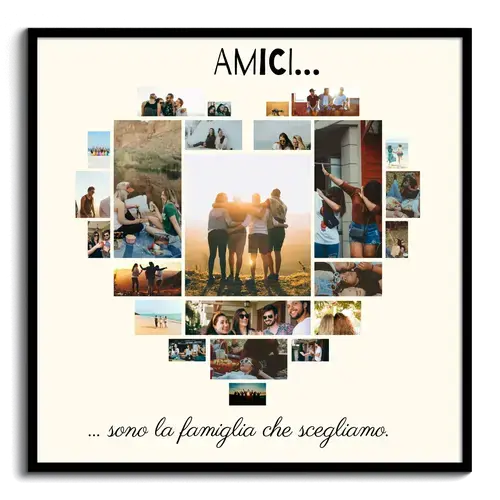
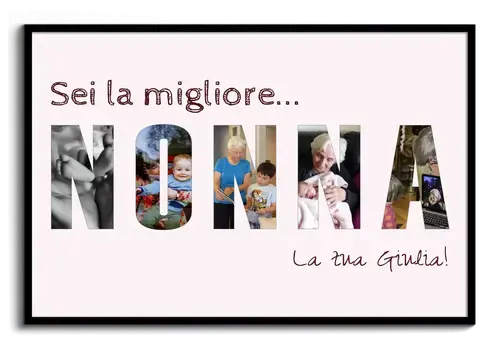
Collage fotografiche

Unisci le tue foto preferite in un'opera d'arte unica

Mappe cittadine personalizzate

Il tuo luogo e momento come un'opera d'arte unica